Ledger Live Desktop: A Complete Guide to Managing Your Crypto Assets
Ledger Live Desktop is a convenient cryptocurrency management application designed to help users manage their digital assets through a computer. It provides a centralized interface for checking cryptocurrency balances, monitoring portfolio performance, managing transactions, and connecting compatible Ledger hardware wallets. Whether you are new to cryptocurrency or an experienced digital asset holder, Ledger Live Desktop offers useful tools for organizing and monitoring your crypto portfolio.
What Is Ledger Live Desktop?
Ledger Live Desktop is a desktop application developed by Ledger that allows users to interact with their cryptocurrency accounts using Windows, macOS, and Linux computers. It works with compatible Ledger hardware wallets to provide an additional layer of transaction security.
The application brings different crypto management features into one interface. Instead of using multiple platforms to monitor assets, users can access supported accounts, review transaction histories, and explore available services from a single dashboard.
Key Features of Ledger Live Desktop
Ledger Live Desktop includes several features designed to make cryptocurrency management more accessible.
Portfolio Management: View your cryptocurrency holdings and monitor the overall value of your portfolio.
Account Management: Add and organize supported cryptocurrency accounts in one convenient location.
Transaction Tracking: Review previous transactions and monitor account activity.
Crypto Transfers: Send and receive supported digital currencies using compatible hardware wallet devices.
Market Information: Follow supported cryptocurrency prices and portfolio performance.
Application Updates: Access available software updates and compatible device management features.
These tools help users maintain a clearer overview of their cryptocurrency activities.
How to Download Ledger Live Desktop
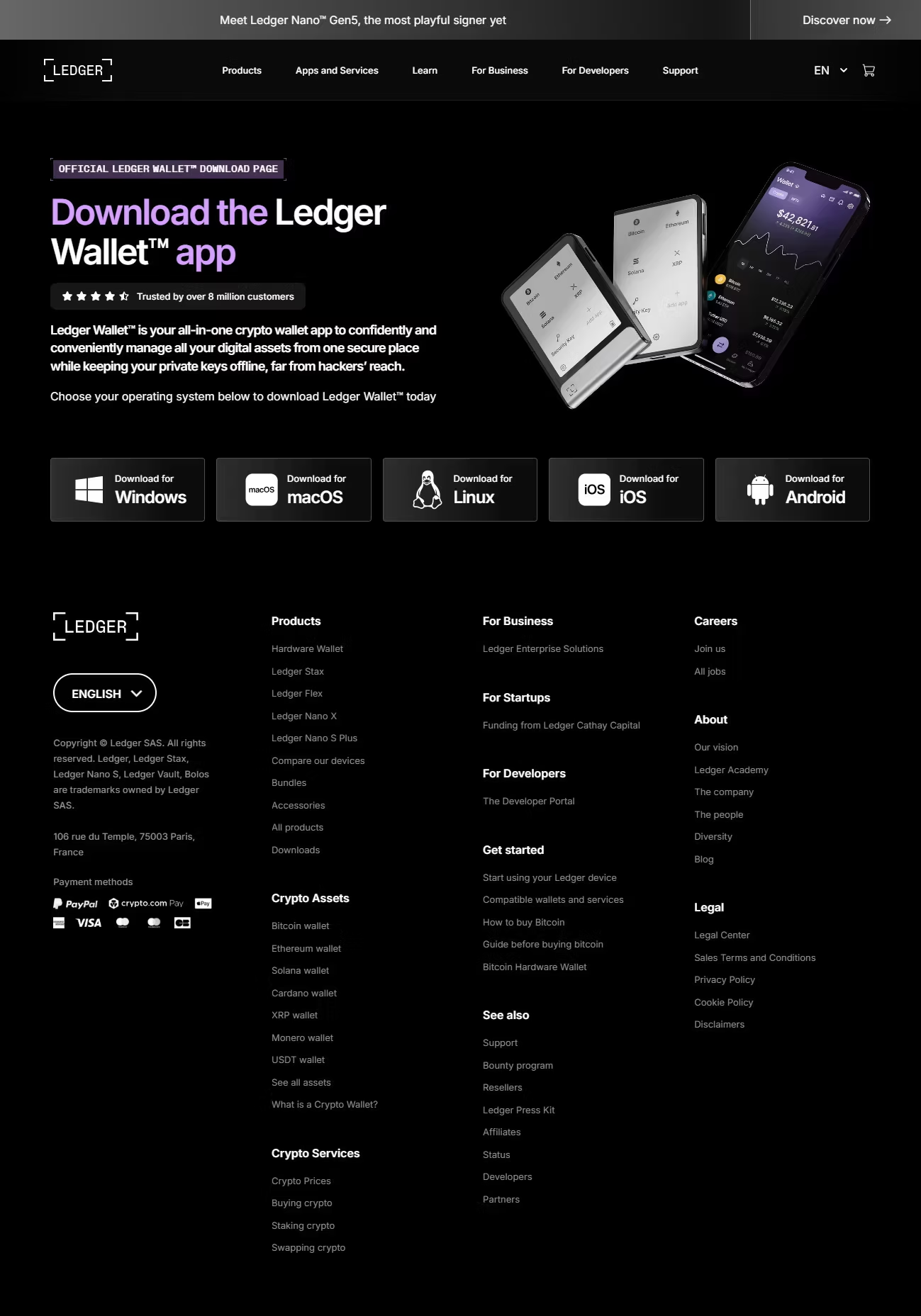
Downloading the official Ledger Live Desktop application is an important step toward managing your digital assets. Users should always obtain the application through Ledger's official website rather than unfamiliar download pages or third-party links.
Follow these general steps:
Visit the official Ledger website.
Navigate to the Ledger Live download section.
Select the appropriate version for your computer.
Download the installation file.
Follow the installation instructions displayed on your screen.
Open the application and follow the device setup instructions.
Before installing, verify the software's authenticity and avoid applications distributed through unofficial sources.
How to Connect a Ledger Hardware Wallet
After installing the desktop application, users can connect a compatible Ledger device to access their cryptocurrency accounts.
The general setup process includes:
Connect your Ledger hardware wallet to your computer.
Unlock the device using its PIN.
Open the Ledger application.
Follow the instructions to connect and configure your device.
Install the required cryptocurrency applications.
Add supported accounts to view your digital assets.
The hardware wallet keeps private keys offline, while the desktop application provides an interface for viewing and managing accounts.
Ledger+1
Security Tips for Ledger Live Desktop
Security is an important consideration when managing cryptocurrency. Users should follow good security practices to protect their wallets and transactions.
Download the application only from Ledger's official website.
Never share your 24-word recovery phrase with anyone.
Keep your computer's operating system and wallet application updated.
Verify transaction information on your Ledger hardware device before approving.
Avoid suspicious emails, advertisements, and wallet setup websites.
Never enter your recovery phrase into an unfamiliar website or application.
Remember that Ledger will never need your recovery phrase to provide ordinary customer support.
Benefits of Using Ledger Live on a Computer
Using Ledger's desktop application offers several practical advantages. A larger screen makes it easier to review account information, examine transaction details, and organize cryptocurrency holdings.
Desktop access can also be useful for users who regularly manage multiple accounts or prefer completing financial activities from a computer rather than a smartphone.
The application brings portfolio monitoring, account management, and supported crypto services together in one environment.
Ledger Live Desktop: Is It Still Called Ledger Live?
An important branding update is worth knowing: Ledger has renamed Ledger Live to Ledger Wallet. The desktop application continues to provide cryptocurrency management features, but its current official product branding is Ledger Wallet.
Ledger+1
Users searching for Ledger Live Desktop can find the current application through Ledger's official download page.
Conclusion
Ledger Live Desktop remains a popular search term for people looking to manage cryptocurrency through a Ledger hardware wallet. Its successor, Ledger Wallet, provides desktop access to portfolio monitoring, account management, crypto transactions, and other supported services.